
Swift Radio Single Station, now for iOS and Android
If you're building an app for one radio station, a station list is an extra screen to get past. I made the single-station version of Swift Radio so the app could open straight into that station's player.
It started on iOS. With the Android version added, one purchase on Payhip now includes both native projects: Swift for iOS and Kotlin for Android. Each opens into the full player, with no station list, search bar, or popup player to navigate.
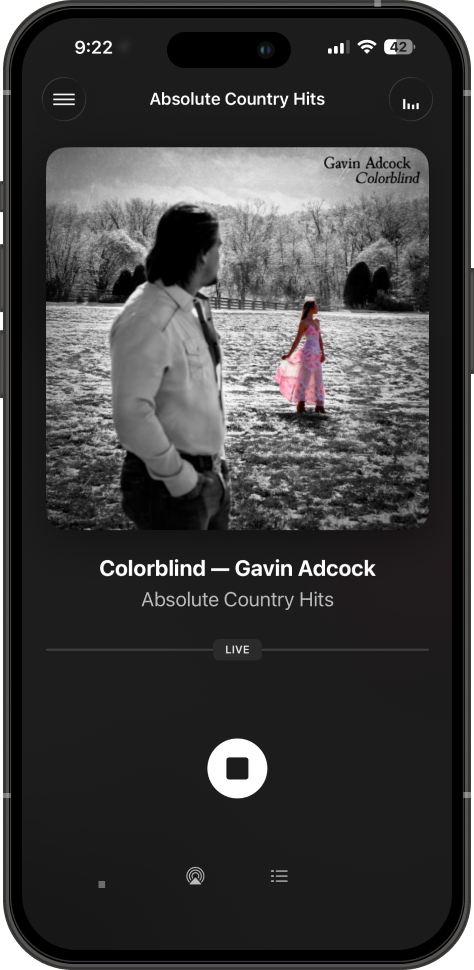
iOS
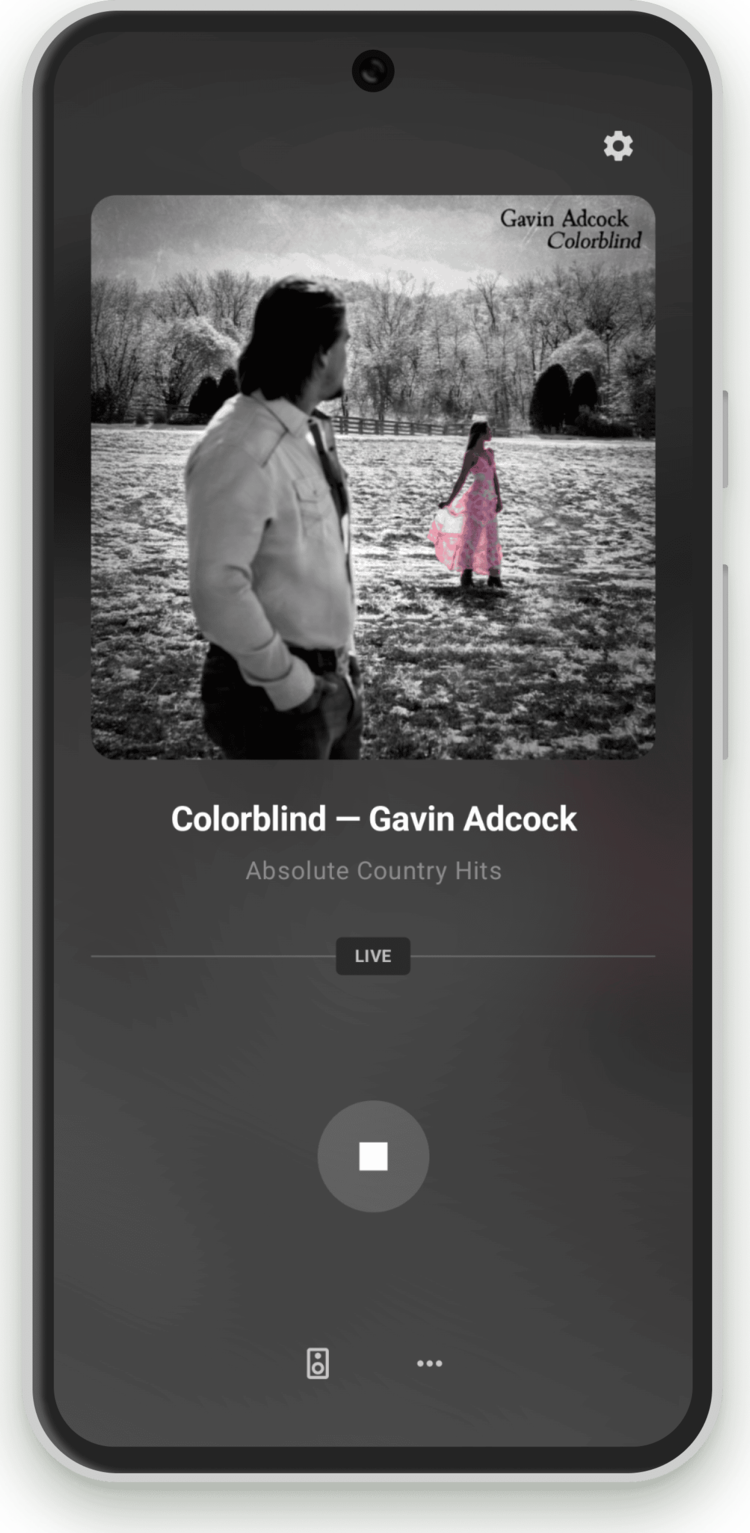
Android
What's in the bundle
- Two native projects: an Xcode project based on Swift Radio v3 and an Android Studio project based on Swift Radio Android.
- The same station format: both read
stations.json, so you can use the same station data on iOS and Android. - Platform integrations: CarPlay and AirPlay on iOS, Android Auto and Material You on Android.
- Release workflows: GitHub Actions workflows build the apps when you push a version tag.
- Setup guides: each README covers station configuration, app identifiers, icons, and translations.
Setting up your station
Start with stations.json: set the station name, stream URL, artwork, and description. Both apps play the first station in the file.
You can bundle a copy with each app or host one file for both. To use a hosted file, set useLocalStations to false and update stationsURL in Config.swift on iOS and Config.kt on Android. A later stream-URL change then takes one edit to the hosted JSON.
The apps still need their own identifiers, icons, and bundled image files. The station format is shared; those parts of the setup belong to each platform.
Free or paid?
The multi-station projects remain free and open source on GitHub for iOS and Android. The paid bundle gives you the versions already adapted for one station, with both platforms and future updates included.
When the bundle launched, I emailed existing single-station customers a personal code to get it at no cost. If you bought the earlier version and missed that email, contact me.