
Swift Radio, now on Android
Swift Radio has been an iOS project since 2015. People kept asking for an Android version, so I built one with Kotlin and Jetpack Compose.
Update, September 6, 2026: The Android app now uses compose-popupbar for its expanding mini player. The single-station version is also available as an iOS and Android bundle.
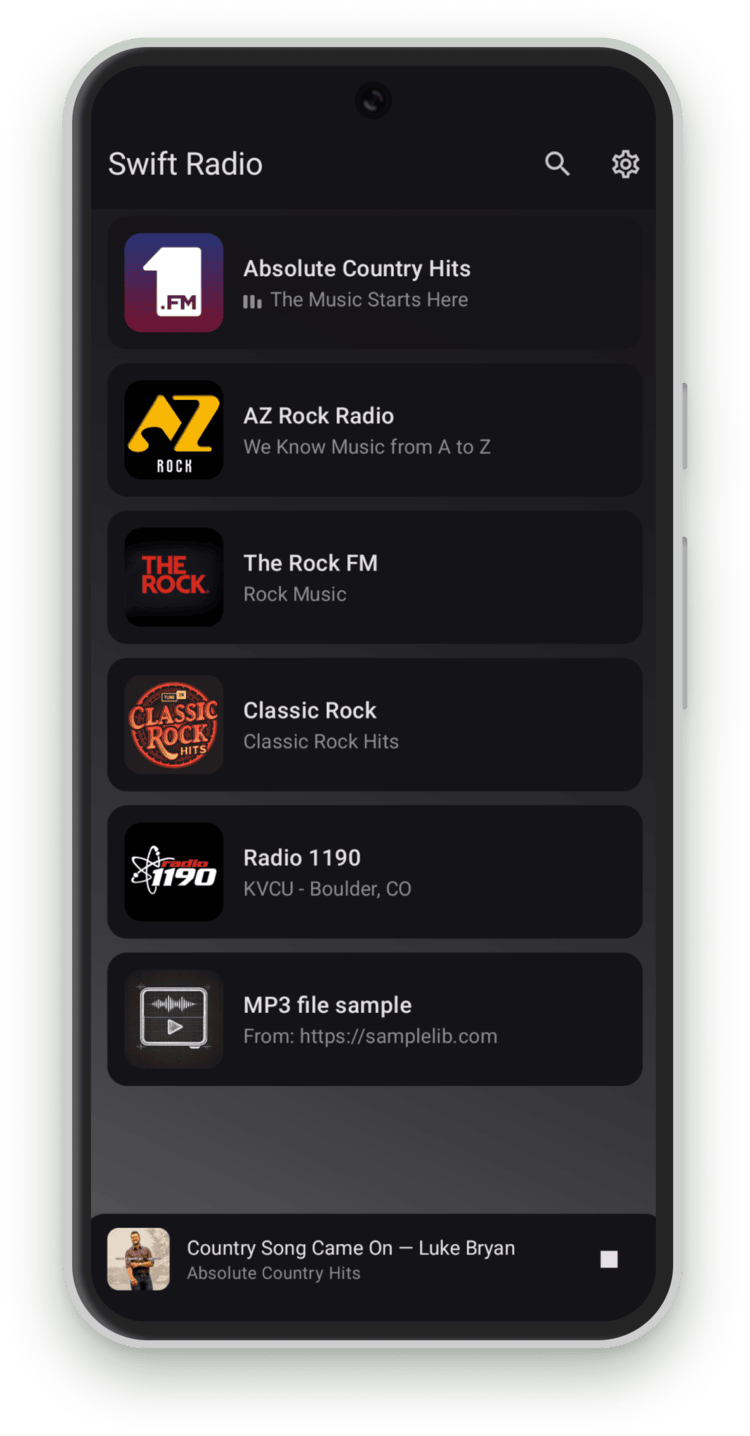
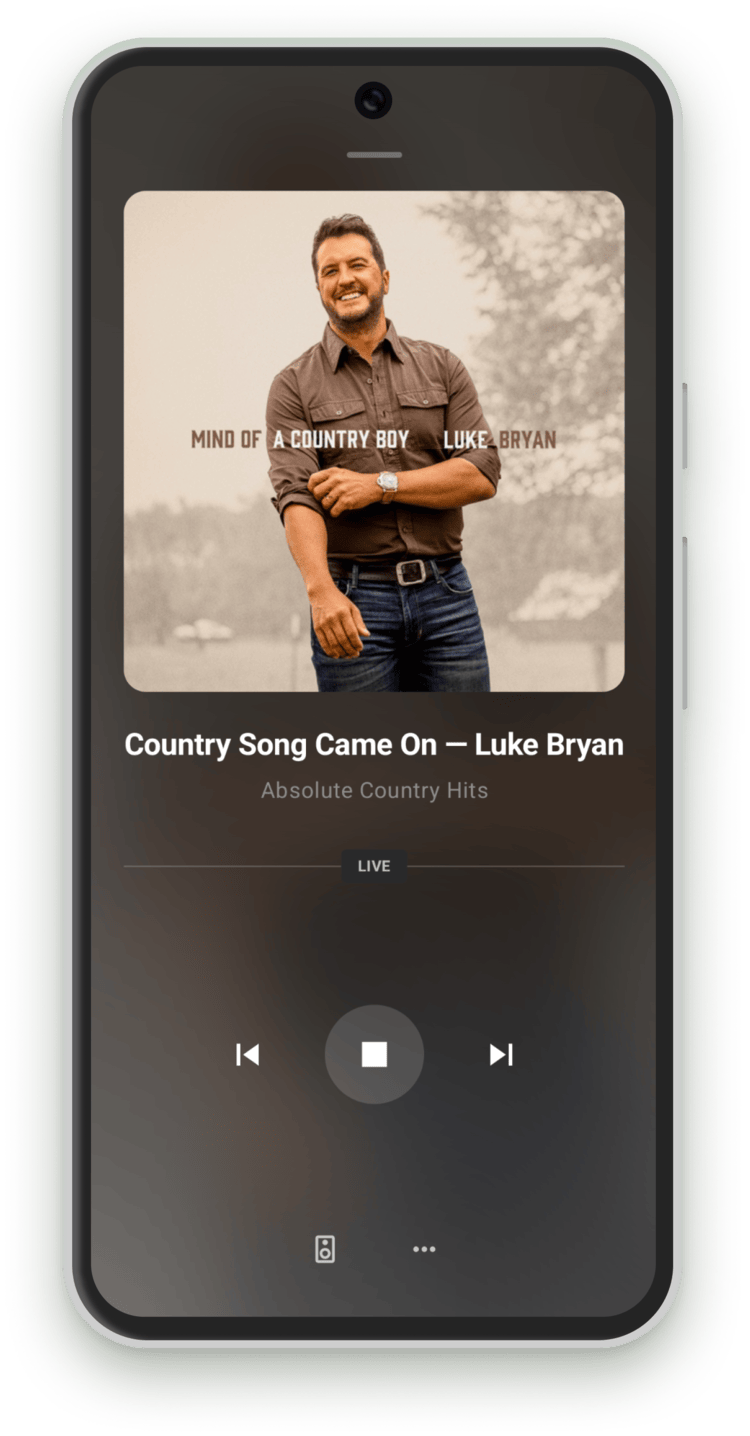
Same format, different platform
I kept the station JSON format the same on both platforms. If the iOS app already loads a hosted stations.json, the Android app can use that URL too. Updating a station's name or stream address then means editing one file for both apps.
{
  "station": [
    {
      "name": "Station Name",
      "streamURL": "https://example.com/stream",
      "imageURL": "station-image",
      "desc": "Short description",
      "longDesc": "Detailed description for the info sheet.",
      "website": "https://example.com"
    }
  ]
}
Station images can be remote URLs or bundled files. If the JSON names a bundled image, copy that file into the Android app's app/src/main/assets/ folder too. For example, "imageURL": "station-image" loads station-image.png from that folder.
What it does
The app includes:
- Android Auto: browse stations with artwork, playback controls, and metadata.
- Background playback: audio continues when the app is backgrounded, with lock screen and notification controls via a Media3 session.
- Live metadata: ICY stream metadata updates the track name and artist in real time. Album art pulls from the iTunes Search API when available.
- Search and filter: a search bar filters stations by name or description. Toggled on or off in
Config.kt. - Material You: on Android 12+, the app picks up the device's dynamic color palette. On older devices, it falls back to a default dark theme.
Under the hood
The UI uses Jetpack Compose and Material 3. A shared PlayerViewModel connects the station list and player to the audio service.
Playback runs on Media3 ExoPlayer inside a foreground service. Its MediaLibraryService exposes the station list to Android Auto and other MediaBrowser clients.
Bundled artwork needs special handling. The app can load an image from file:///android_asset/, but Android Auto can't read that URI. I embed the image bytes in the media metadata so the car can display the same station artwork.
The README lists the dependencies and what each one handles.
Getting started
Fork or clone the repo and open it in Android Studio. Then choose where the station list comes from:
- Bundled JSON: keep
useLocalStations = trueinConfig.ktand editapp/src/main/assets/stations.json. - Hosted JSON: set
useLocalStations = falseand pointstationsURLat your hosted file.
Set your contact details and feature flags in Config.kt, add any bundled images, and build. The app runs on Android 7.0+ (API 24). The setup guide covers the build requirements and configuration options.
And yes, it's still called Swift Radio. I kept the name from the iOS project.
If you build a radio app with it, send me a link. I'd like to see what you make.