
Swift Radio v3: Ten years later
Swift Radio started in 2015 as an open-source radio app you could fork and make your own. Ten years later, I wanted to make that easier again. The interface needed work, and customizing the app still meant finding your way through storyboards.
v3.0.0 rebuilds the interface and moves navigation into code. It also changes a smaller thing that matters every time you listen: live radio and on-demand audio get different playback controls.
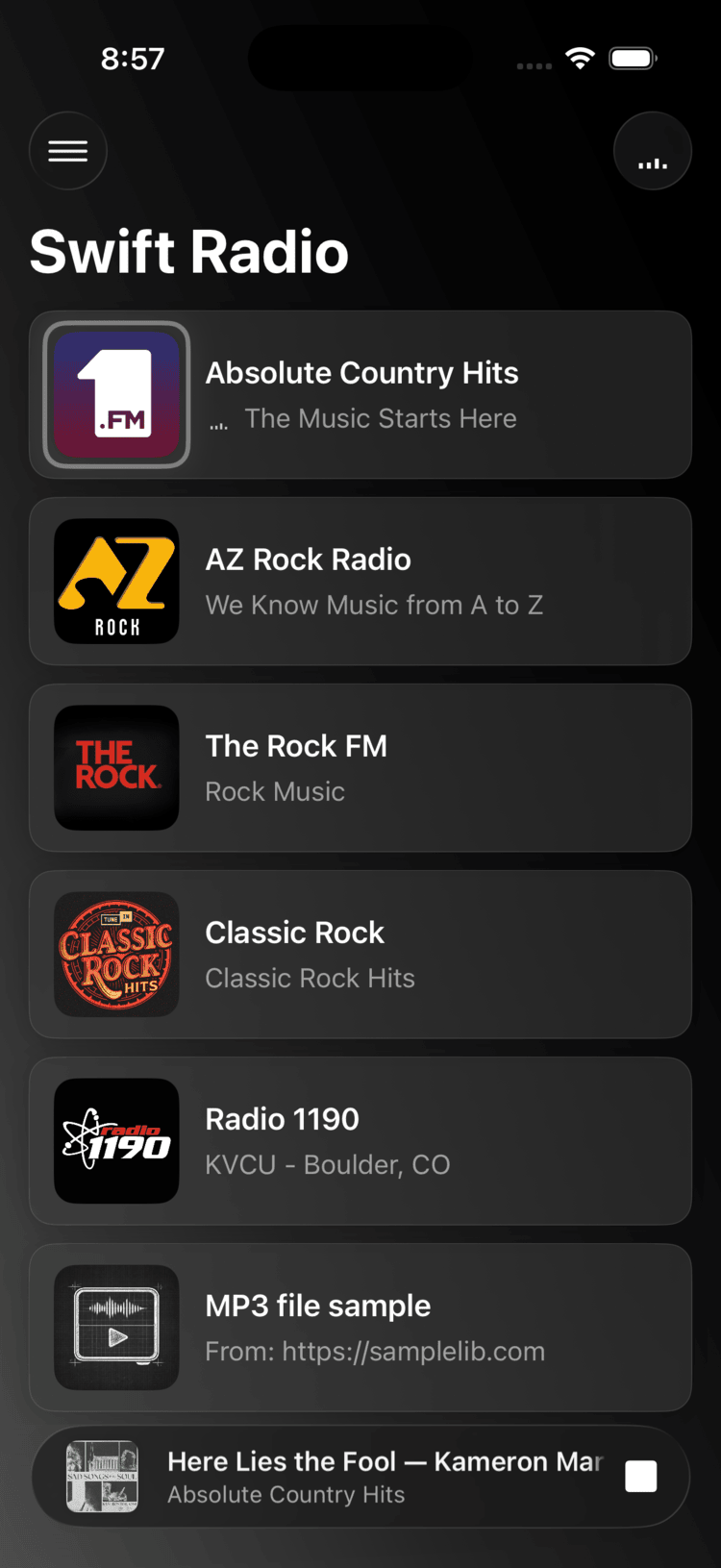
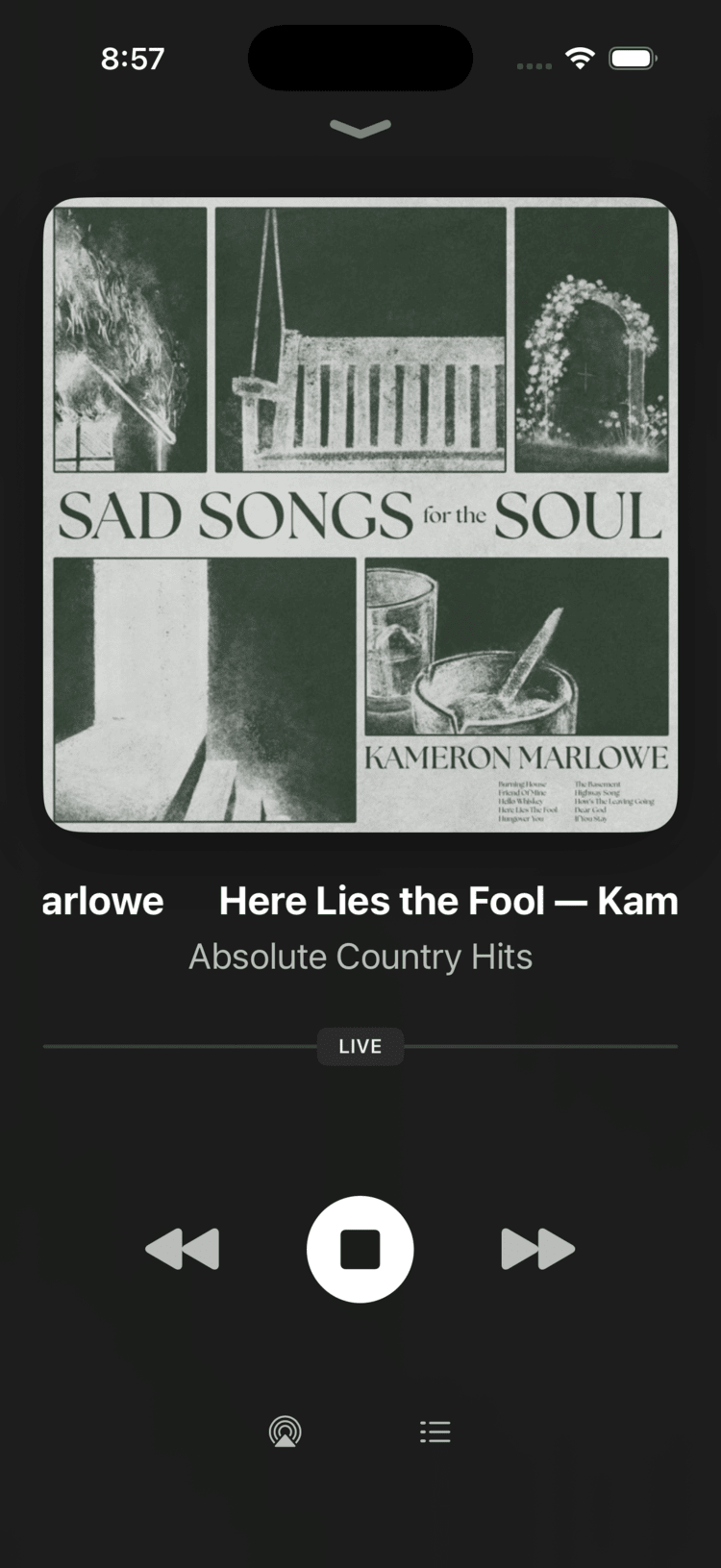
The station list and player
The station list uses cards with room for artwork. The now playing bar stays at the bottom while you browse. Tap it or drag it up to open the full player, then drag down to return to the list.
Apple Music is the reference for that interaction; LNPopupController handles it in Swift Radio. The full player adds a blurred artwork background, SF Symbol controls, and scrolling text for long track names.
The app also has a new blueprint-style icon. It's a starting point for a fork, so replace it with your station's artwork when you make the app yours.
Live streams and podcasts, handled differently
I gave live streams stop/play controls and kept pause/resume for on-demand audio. Stopping a station means returning to the live broadcast when you start it again. Pausing an MP3 means keeping your place.
- Live radio: a LIVE badge and stop/play controls.
- On-demand audio: pause/resume controls and a scrubber for seeking through an audio file, such as a podcast episode.
- Returning to a station: tapping the selected station starts it again if playback is paused or stopped.
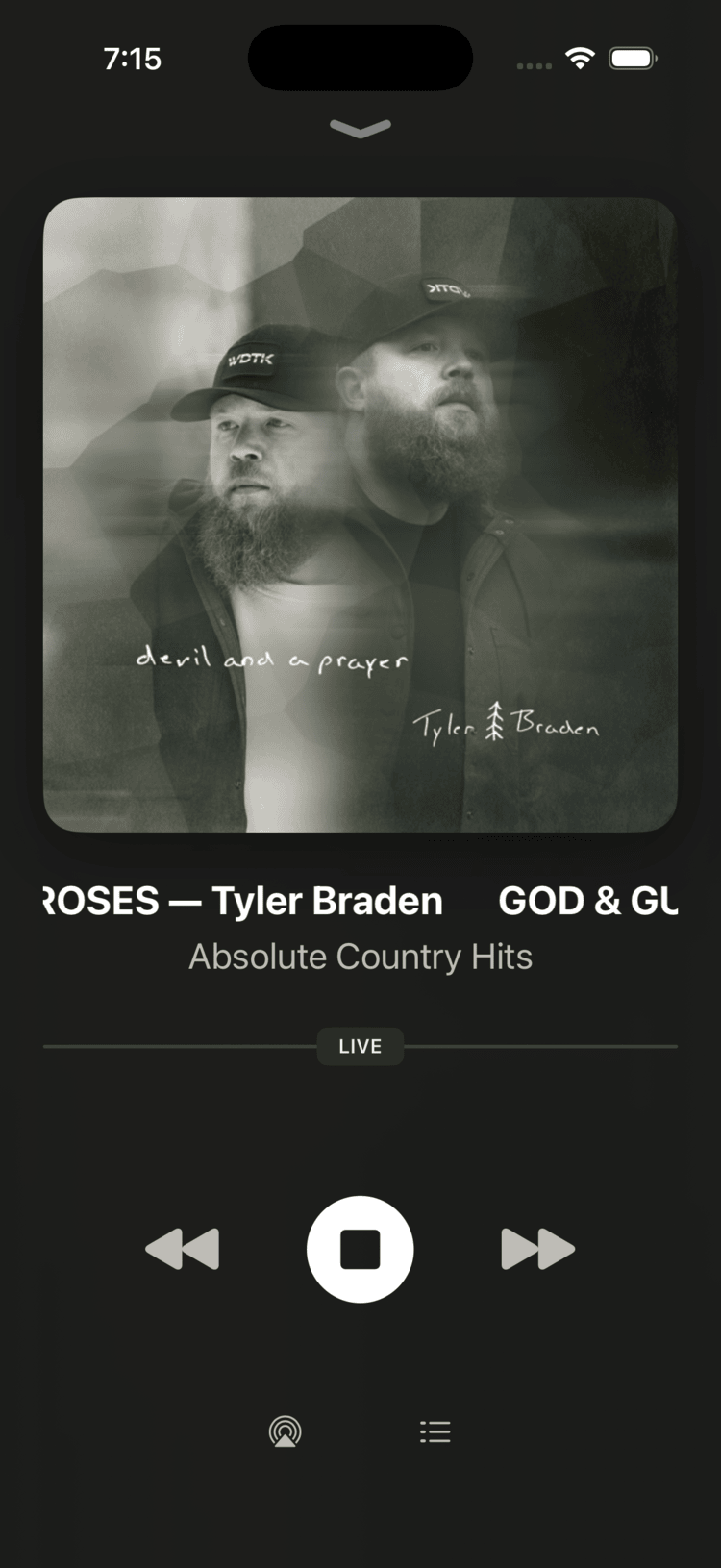
Live: LIVE badge + stop
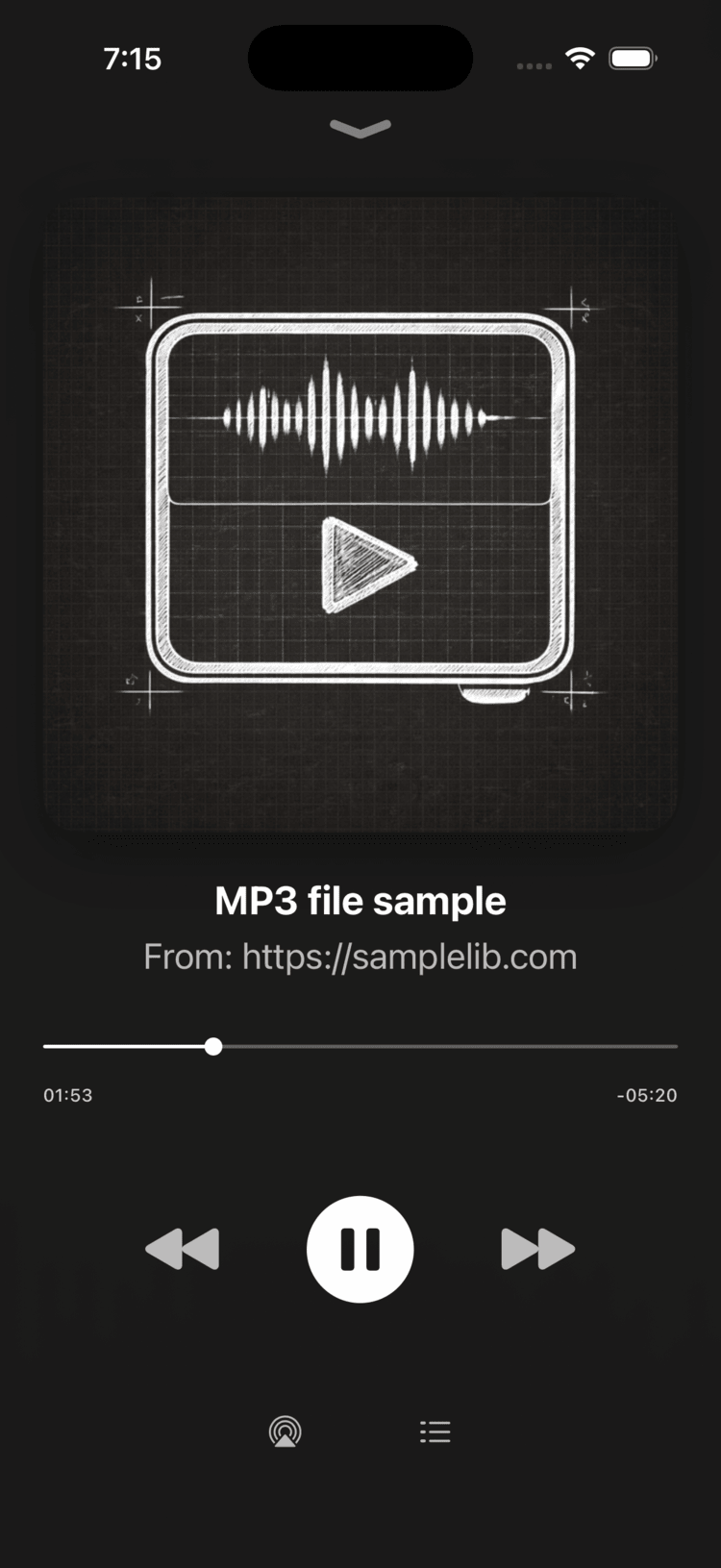
On-demand: scrubber + pause
Navigation in code
Navigation now uses coordinators, and the screens are built in code. When you're changing how one screen opens another, you can follow that path in Swift. The launch screen uses UILaunchScreen in Info.plist too, so there are no storyboard files left to configure.
Networking uses async/await, and the update replaces deprecated API calls. CarPlay support carries forward into v3.
Ready for translation
The app's interface text now lives in Localizable.xcstrings, an Xcode String Catalog. You can change the station-list title, rewrite the About text, or add a language there without editing the views.
The translation guide walks through the keys, adding a language, and checking the result in the simulator.
Playback through FRadioPlayer
FRadioPlayer remains the audio engine. I extracted it from Swift Radio in 2017 so it could be used without the rest of the app.
Since the previous Swift Radio release, its single delegate has been replaced by addObserver and removeObserver. The station list and the full player can each listen for playback changes without one taking over the other's delegate slot. The migration guide covers the API change.
If you're building your own interface, you can use FRadioPlayer on its own.
What's next
I'd like to move the interface to SwiftUI next. The coordinators give me a place to replace screens one at a time while keeping navigation separate.
The source is on GitHub. If you're updating a fork, I'd like to hear which parts are still awkward to customize. Send me a note or open an issue.